

AI workflow automation services
AI Automation Services
for Business Workflows
SensViz designs and builds AI automation for recurring work across your documents, CRM, databases, and business tools. We combine dependable workflow rules with AI for tasks such as extracting, classifying, validating, summarising, and routing information, with human review where the risk calls for it.
AI automation in practice
Automation that earns its place in the process
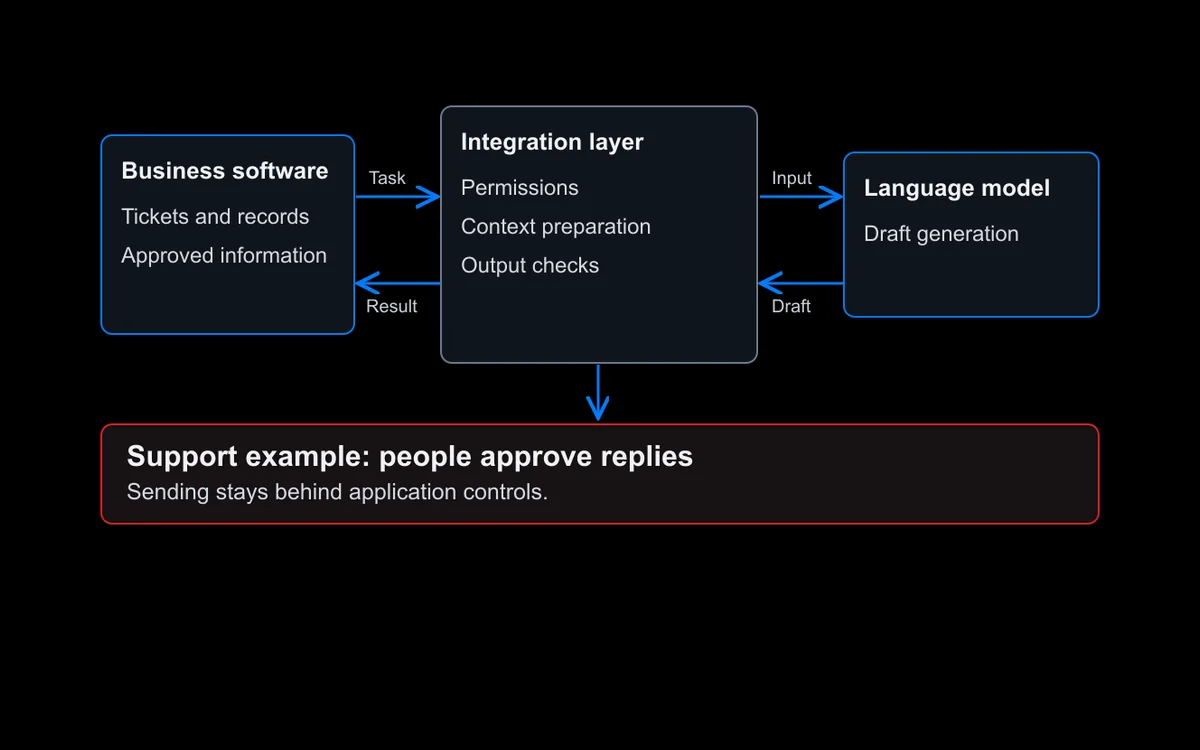
AI automation combines workflow rules, system integrations, and selected AI steps to reduce manual work in a defined business process. Rules handle predictable steps. AI helps with variable inputs, such as emails, forms, and documents, before the workflow validates, routes, stores, or presents the result for review. SensViz starts with the process, volume, systems, exceptions, and current manual effort. We then decide which steps need conventional automation, where AI adds useful interpretation, and where a person should approve or correct the result.
What we build
AI automation services for recurring business work
The right solution may be a focused workflow between two systems or a controlled process that spans several teams. Each build is shaped around the work, data, exceptions, and ownership involved.
Workflow and system automation
Connect applications, databases, APIs, and notifications so information moves between the systems your team already uses without repeated copy and paste.
Business process automation
Automate defined processes such as onboarding, approvals, fulfilment, reporting, and internal requests while keeping owners and exception paths clear.
Document AI and data extraction
Read invoices, forms, contracts, emails, and other business documents, extract required fields, validate the result, and route uncertain cases for review.
CRM and customer operations automation
Create and update records, enrich data, assign leads or tickets, prepare follow-ups, and keep routine customer operations connected to the right owner.
Workflow orchestration and integration
Use Make, n8n, available connectors, webhooks, and custom APIs according to the workflow, system access, permissions, and level of control required.
Where to start
Start where manual work is frequent and measurable
A strong first automation has a clear trigger, repeatable steps, accessible systems, known exceptions, and an outcome the team can measure. Start with work that happens often and has a clear owner before attempting a wider automation programme.
Data transfer and reconciliation
Move, compare, clean, and update records across disconnected systems.
Document intake and processing
Extract required information, check it, store it, and route exceptions.
Lead and ticket routing
Classify inbound requests and assign them using defined business rules.
CRM upkeep and follow-up
Create records, fill approved fields, trigger tasks, and prepare messages for review.
Approvals and onboarding
Coordinate forms, checks, notifications, decisions, and handoffs across teams.
Recurring reports and alerts
Collect data on a schedule, prepare a consistent output, and notify the right people.
Rules first, AI where it helps
Keep the workflow predictable. Add AI where rules fall short.
Most business workflows should remain predictable. Triggers, validations, permissions, retries, logs, and exception paths keep the process controlled. AI is added only where the input varies or a fixed rule cannot interpret it reliably.
Read and extract
Turn selected content from emails, forms, PDFs, and messages into structured fields.Classify and route
Assign an approved category, priority, or destination before workflow rules take over.Summarise and prepare
Create a concise summary or draft for a person to check before it is used.Validate and escalate
Apply required checks and send uncertain, incomplete, or higher-risk cases to a person.Log and monitor
Record workflow runs, failures, review decisions, timing, and cost so the system can be maintained.How we deliver
From workflow mapping to monitored automation
Each engagement begins with the work itself. The process below keeps the technical build tied to a baseline, clear controls, and an owner after launch.

Workflow discovery
Map the trigger, people, systems, data, handoffs, exceptions, current effort, and outcome that needs to improve.
Opportunity and baseline
Choose a suitable first workflow and record the current volume, handling time, delay, error, or completion measure used for comparison.
Solution and controls
Design the workflow logic, integrations, AI steps, permissions, validation, approvals, failure handling, and measures of success.
Build, test, and integrate
Test representative and exception cases, connect approved systems, document the workflow, and prepare its owners before release.
Launch, monitor, and improve
Track runs, failures, review decisions, timing, usage, and cost, then adjust the workflow when the process or evidence changes.
Relevant product experience

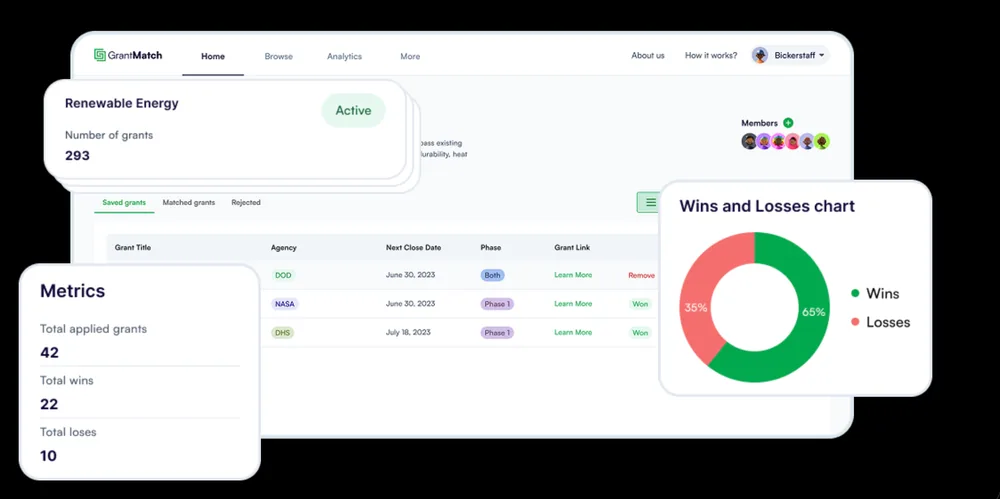
GrantMatch: contextual grant discovery and matching
SensViz helped build GrantMatch, an AI-powered platform that combines language models, recommendation logic, and vector search to surface grant opportunities based on a user's profile and needs.
The product brings opportunity data, user context, matching logic, and recommendations into one flow so users can review relevant funding options consistently.
Why SensViz
Why businesses choose SensViz for AI automation
Automation sits between business operations and software. SensViz keeps both sides connected so the workflow makes sense to the people who own it and can be maintained by the team responsible for it.
Built around your current stack
We assess the systems and data you already use before recommending a platform, integration, or replacement.
Rules and AI designed together
Predictable steps stay deterministic. AI is used only for the parts that need interpretation, with validation and review where appropriate.
Failures are visible
Retries, exception routes, logs, alerts, and ownership are planned so a broken workflow does not fail silently.
Software engineering is part of delivery
Low-code workflows, custom APIs, databases, interfaces, and cloud services can be handled as one connected build.
Measurement starts before launch
The current process and success measure are recorded before automation so later comparisons have a useful baseline.
Ownership and support are defined
Workflow files, code, accounts, credentials, documentation, third-party licences, and post-launch responsibilities are set out in the agreement.
Choose the right delivery path
Related AI and software services
The same business problem can require different levels of automation, autonomy, or custom development. Use the page that matches the main job the system needs to perform.
AI automation questions businesses ask before starting
AI automation services identify, design, build, integrate, and support business workflows that combine rules, software connections, and selected AI tasks. A project may include workflow mapping, APIs, document processing, classification, validation, approvals, monitoring, and staff handover.
Traditional workflow automation follows predefined triggers, conditions, and actions. AI automation keeps that defined flow but adds AI where the workflow must interpret variable content, such as extracting fields from a document, classifying an email, or preparing a summary for review.
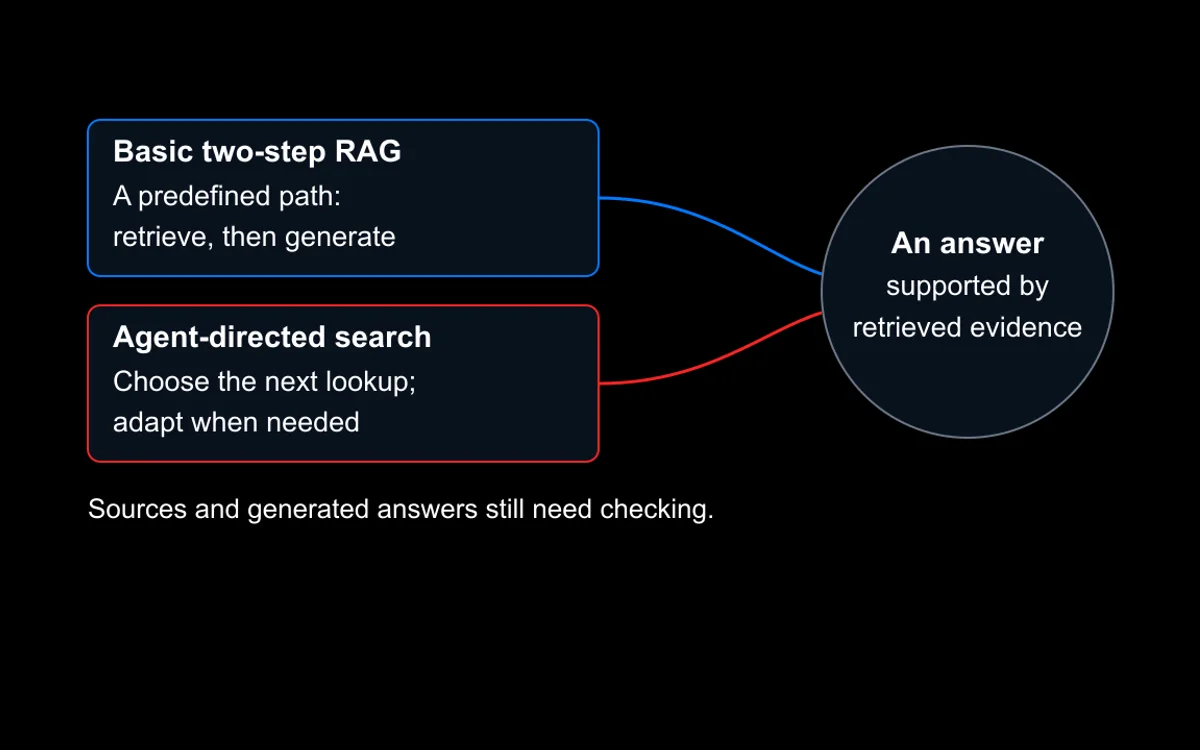
AI automation follows a workflow designed in advance, even when AI supports selected steps. Agentic AI can choose tools or next steps in pursuit of a goal. SensViz recommends the least complex approach that can complete the work reliably.
Common candidates include data transfer, document intake, lead and ticket routing, CRM updates, approvals, onboarding, fulfilment, recurring reports, alerts, and follow-up. Suitability depends on process stability, system access, volume, exceptions, risk, and a clear owner.
SensViz can work with Make, n8n, available application connectors, webhooks, databases, and custom APIs. The final integration depends on the systems involved, their permissions, API support, vendor limits, security requirements, and the client environment.
Yes, when the documents and required fields are suitable for the chosen approach. The workflow can extract, classify, validate, store, and route information, while sending low-confidence or exception cases to a person for review.
Before building, we define a baseline and the measure that matters for the workflow. Depending on the process, this may include handling time, completion time, manual touches, exception rate, error rate, throughput, review volume, or operating cost.
The solution can include validation, retries, exception routes, logs, alerts, and named owners. When the business process, connected system, or AI behaviour changes, the workflow should be reviewed, tested, and updated rather than expected to repair itself.
Start with one workflow
Show us where the work gets stuck
Tell us which process creates the most copying, checking, waiting, or follow-up. We will review the steps, systems, volume, exceptions, and risks, then recommend whether rules, AI automation, Agentic AI, or conventional software is the right fit.