

Generative AI & LLMs
Enterprise Search vs. Web Search: Why the Difference Actually Matters
Written by Tehreem FatimaReviewed by Umaid Asim
Published 6 min read

If you’ve ever typed a question into your company’s internal search bar and gotten nothing useful back, you’ve already felt the gap this article is about. Enterprise search vs web search isn’t just a labeling difference: web search engines like Google are built to rank the single best page out of billions of public documents. Enterprise search is built to do something different: surface the right answer out of a much smaller, much messier set of files, records, and systems that only your organization can see, and to respect who’s allowed to see what along the way.
Treating the two as the same problem, just at a smaller scale, is where most internal search tools go wrong.
What Web Search Actually Optimizes For
Public web search engines are built around three stages: crawling the open internet to discover pages, indexing that content into a searchable database, and serving results ranked by relevance signalsSource [1]. Google alone weighs hundreds of ranking factors, from page content to user location and device, to decide which public page best answers a querySource [1].
Two things make this possible. First, the content is public. A crawler can follow links from page to page with no access restrictions to check. Second, the index is generic: it’s built once, for every user, and doesn’t change based on who’s asking. That’s why the same search on Google returns roughly the same results whether you’re a marketer, an engineer, or a stranger who’s never heard of the company you’re researching.
What Enterprise Search Has to Solve Instead
Enterprise search starts from the opposite set of constraints.
The content isn’t public, and it isn’t uniform. Instead of HTML pages linked to each other, an enterprise search system has to pull from Slack threads, PDFs in SharePoint, tickets in Jira, rows in a database, and PDFs sitting in someone’s Google Drive folder, each with its own structure, its own update frequency, and often no links between them at all.
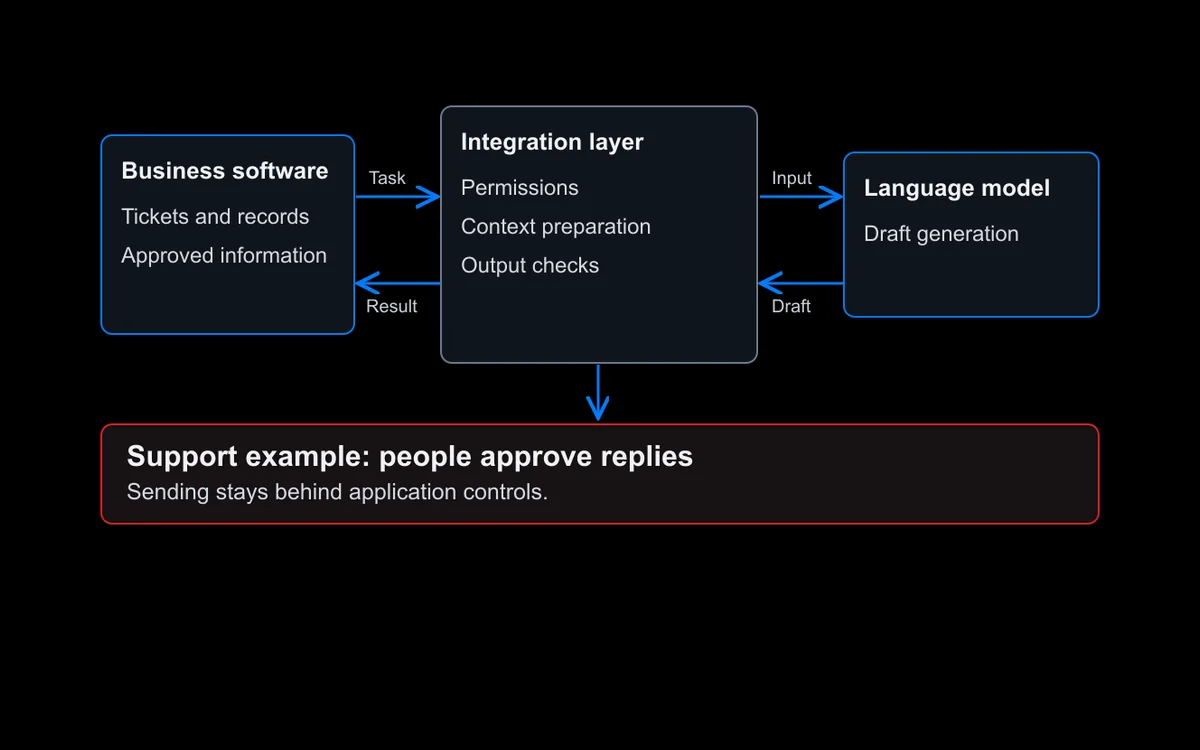
Every result has to respect permissions. A public search engine doesn’t need to know who’s asking. An enterprise system does. If a document lives in a folder that only Finance can see, it can’t show up in a search result for someone in Marketing, no matter how well it matches the query. This has to be enforced at query time, not just when content is first indexed, because permissions change constantly as people join teams, change roles, or leave the companySource [2].
Relevance means something different. A web search engine assumes it knows nothing about you. An enterprise system usually has the opposite advantage: it knows your role, your team, and what you’ve worked on before, and can use that context to rank results instead of relying on public signals like backlinks or click-through rate, which don’t exist inside a company’s internal systems.
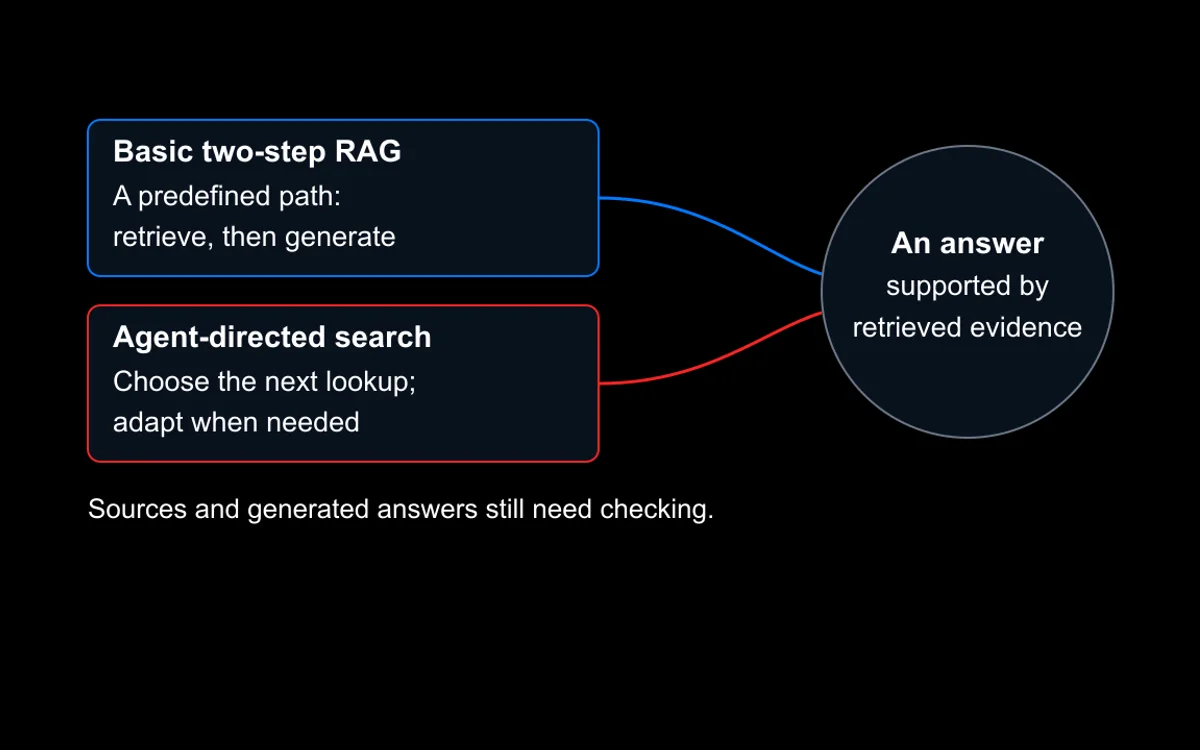
Modern systems add a retrieval layer on top. Where older enterprise search tools matched keywords, current systems increasingly combine keyword matching with semantic, vector-based retrieval, so a search for “Q3 churn numbers” can also surface a document titled “quarterly customer attrition report” even though the words don’t overlapSource [3]. This hybrid approach, part keyword, part meaning-based, is what makes modern enterprise search noticeably better than the keyword-only tools most people associate with “the search bar on the intranet.”

The Differences, Side by Side
The table below breaks enterprise search vs web search down into the same six measurable differences shown in the figure above.
| Aspect | Web Search | Enterprise Search |
|---|---|---|
| Content source | Public web pages | Internal files, databases, apps, messages |
| Access control | None needed, content is public | Enforced per query, based on the user’s actual permissions |
| Index | One generic index for everyone | Often personalized by role, team, or permission group |
| Discovery method | Crawls links between public pages | Connects to internal systems via APIs and integrations |
| Ranking signals | Hundreds of public signals (links, engagement, freshness) | Internal relevance: role, team, recency, document type |
| Retrieval approach | Primarily keyword and link-based | Increasingly hybrid: keyword plus semantic/vector search |
Content source
- Web Search
- Public web pages
- Enterprise Search
- Internal files, databases, apps, messages
Access control
- Web Search
- None needed, content is public
- Enterprise Search
- Enforced per query, based on the user’s actual permissions
Index
- Web Search
- One generic index for everyone
- Enterprise Search
- Often personalized by role, team, or permission group
Discovery method
- Web Search
- Crawls links between public pages
- Enterprise Search
- Connects to internal systems via APIs and integrations
Ranking signals
- Web Search
- Hundreds of public signals (links, engagement, freshness)
- Enterprise Search
- Internal relevance: role, team, recency, document type
Retrieval approach
- Web Search
- Primarily keyword and link-based
- Enterprise Search
- Increasingly hybrid: keyword plus semantic/vector search
Why This Distinction Is More Than Academic
Buying or building a search tool without accounting for these differences tends to produce one of two failure modes. Either the tool is too permissive, a fast, well-ranked search experience that occasionally surfaces something an employee was never supposed to see, or it’s overcautious to the point of being nearly useless, hiding so much behind blanket restrictions that employees give up and go back to asking a colleague or digging through folders by hand.
Neither is a search problem in the way a slow public search engine is a search problem. They’re really access and architecture problems, wearing a search bar as a UI.
This is also why “we’ll just point an off-the-shelf search widget at our internal drive” rarely works the way people expect. A tool built to crawl and rank public web pages doesn’t have a native concept of permission-aware retrieval, role-based ranking, or connecting to a dozen disconnected internal systems, because it was never asked to solve that problem in the first place.
Frequently Asked Questions
Can’t We Just Use Google’s Search Technology Internally?
Not directly. Google’s ranking approach is built for public, unrestricted content evaluated by hundreds of generic signalsSource [1]. Enterprise search needs permission enforcement, connections to internal systems that were never designed to be crawled, and relevance ranking based on internal context, none of which a public search engine’s technology is built to do.
Does Enterprise Search Need AI to Work Well?
No, but it helps. Keyword-based enterprise search has existed for decades and still works for exact-match lookups. What AI adds is semantic retrieval, matching a query to relevant content even when the exact words don’t overlap, which is a meaningful jump in usefulness for anyone who doesn’t remember the precise phrasing of what they’re looking for.
Is Permission Enforcement Really That Hard to Get Right?
Yes, more than most teams expect going in. Access has to be checked at the moment someone searches, not just when a document was first indexed, since roles and permissions change constantly. Get this wrong and a system either leaks content it shouldn’t, or over-restricts so aggressively that it stops being useful.
Where to Go From Here
If your team is evaluating whether to invest in enterprise search, the enterprise search software buyer’s guide walks through the build-versus-buy-versus-service decision in more depth, including the permission and retrieval questions raised here. For the technical side of how retrieval actually works under the hood, RAG architecture and retrieval quality covers chunking, embeddings, and vector databases directly.
Talk to us about your use case if you’re trying to figure out whether your organization’s search problem is a tooling gap or an architecture gap, they’re not always the same thing.